
Connect Codex to a shared workflow.
Arenor uses Codex CLI installed on your Mac. Assign implementation, testing or review roles and track scope and results alongside other team members.
How it connects
Arenor uses the Codex app-server interface for sessions, model listings, streamed events and approval requests. Model execution uses your provider account. A listed model does not independently prove that your account can access it.
Connect for the first time
- Install the official Codex CLI and complete sign-in.
- Check its path and sign-in status in Arenor → Settings → Accounts.
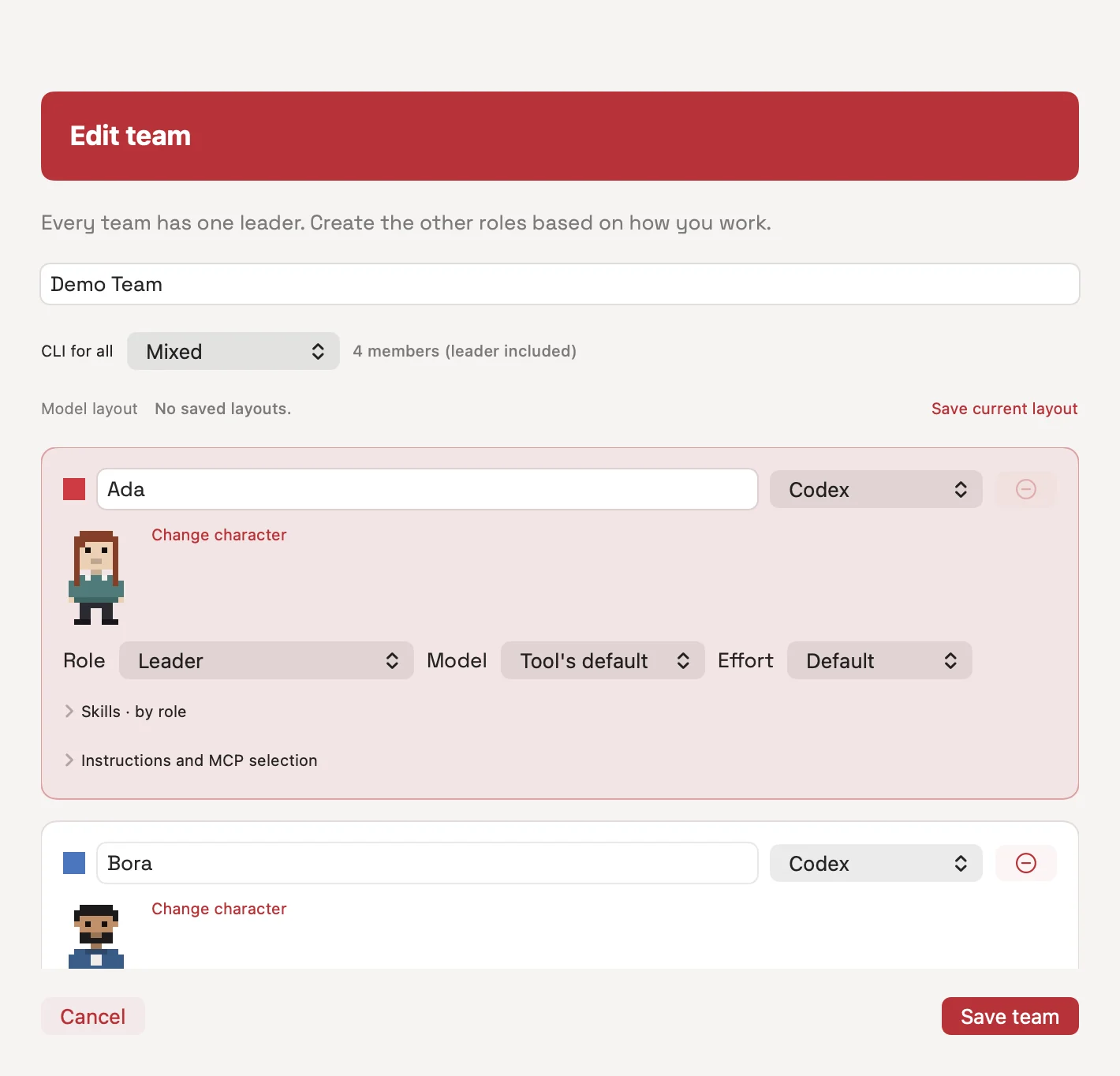
- Assign Codex, a role and an appropriate model to a team member.
- Start with a small task. Review the plan, approval mode and file scope, and require test output as part of the result.
codex --version
codex login statusExample: assign tests to another member
One member can change behavior while a Codex member handles tests. Test writing may run in parallel when it owns a separate file; if execution depends on the implementation, add that dependency to the plan.
Check that the new button label is displayed correctly.
Write only to the test file.
Run the test after implementation is complete.
Report the pass/fail result and the command you ran.Choose the right tool for the job
Codex has its own official app and CLI workflows. OpenAI also provides a Codex plugin for reviews and task delegation from inside Claude Code. Arenor is useful when you want different providers coordinated through persistent teams, tasks, history and approvals.
Access and permission boundaries
- The Arenor license does not include Codex usage or a provider plan.
- Planning sessions start with read-only Codex settings; implementation sessions allow workspace writing. Additional permissions may still be requested.
- Roles and task scopes are not guarantees of file isolation. Review plans, permissions and diffs.
- Your account and provider data terms apply to the context sent to the model.
Questions
Can I also use Claude Code on the same project?
Yes. Different members can use Claude Code or Codex. Sequence tasks that would write to the same files.
Do I need a new OpenAI API key?
Arenor uses your installed Codex sign-in flow. Check current Codex documentation for the authentication and usage method available to your account.