
Give Claude Code a role on your team.
Connect your installed Claude Code to Arenor. Assign implementation, testing or review to different members, then follow tasks and pending decisions in one workspace.
What does Arenor add?
Claude Code also works in the terminal and its own official desktop app. Arenor gives Mac users a way to coordinate Claude Code with members from other providers through task assignments, a shared project view and run history.
Connect the tool
- Install Claude Code using its official instructions and sign in.
- Open Arenor → Settings → Accounts and check the Claude Code path and sign-in status.
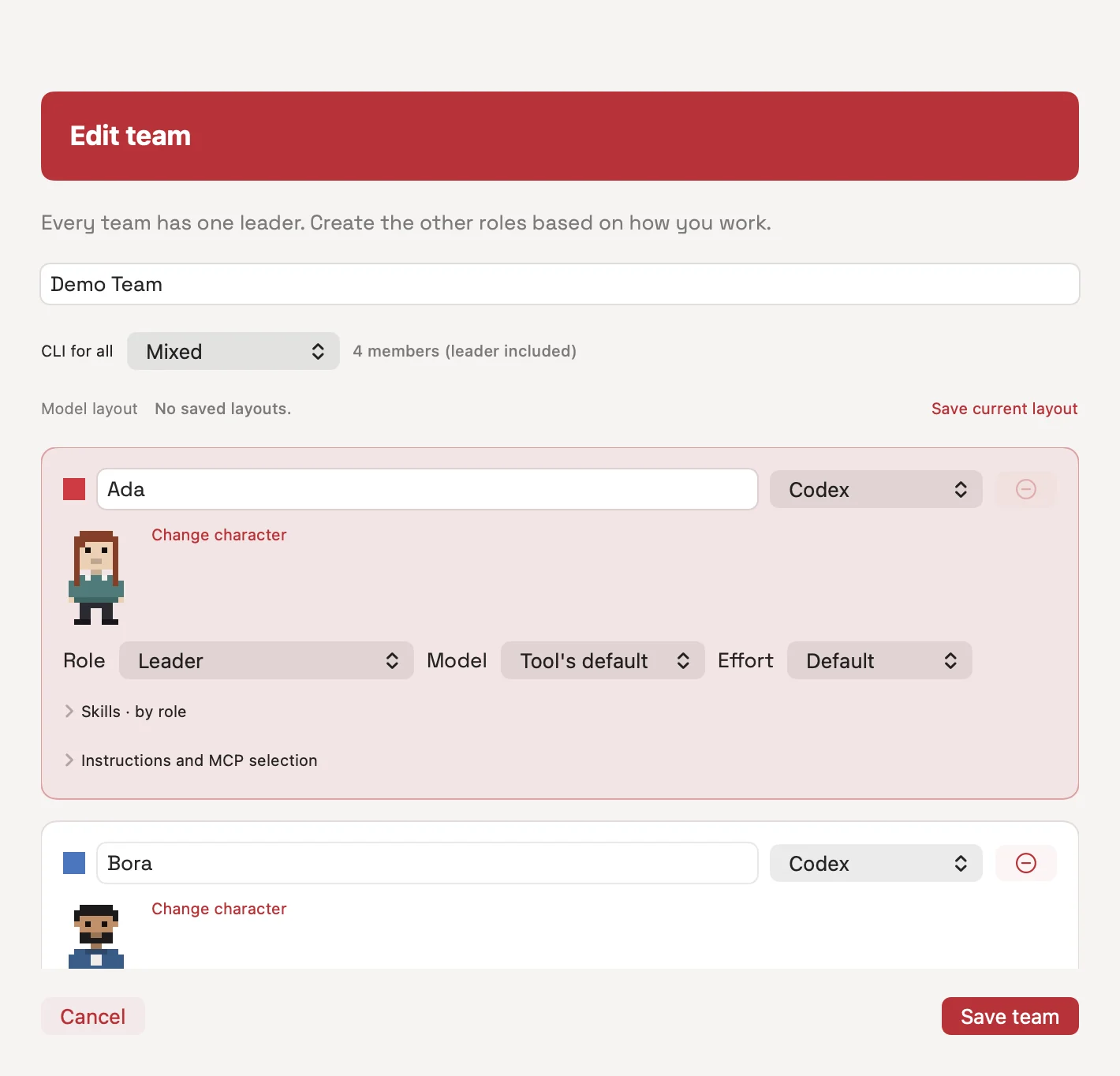
- Assign Claude Code to a team member, choose an available model and give the member a role.
- Attach your project folder. Start with a narrow writing scope and a result you can verify.
claude --versionExample: separate implementation from review
Give a UI change to a developer using Claude Code. Assign testing or review to a Codex member. If the test needs the changed code, make it depend on implementation; only independent work should run in parallel.
Add an empty-state message to the settings screen.
The developer should edit only the UI file.
The tester should run the relevant test after implementation.
The reviewer should inspect changed files and test output.
Report any remaining risks.MCP and approvals
Choose the MCP connections you need in Arenor settings. Provider OAuth may require a separate authorization, and tool access depends on the service. Do not paste secrets into chat messages.
Arenor surfaces tool permission requests and questions from Claude Code. Your approval mode and saved permission rules affect which actions proceed automatically.
Know the limits
- Claude Code access, usage limits and charges are separate from the Arenor license.
- CLI and account compatibility matter; no single model is guaranteed to work for every account.
- Local file management does not mean AI requests are processed offline.
- Optional isolation uses one Git worktree per run. Check the actual working folder before the job begins.
Questions
Does Arenor make my Claude Code plan unlimited?
No. Your account’s own access and usage rules apply. Arenor does not provide extra model credits.
Can Claude Code work with Codex in the same team?
Yes. Members can use different providers. Task dependencies and file scopes determine which work can run in parallel.